
Connecting a classic hardware synthesizer, stage piano, or electronic drum module to a modern laptop often hits an immediate roadblock when your instrument only features circular 5-pin jacks. Picking the right midi to usb lead solves this hardware gap by translating traditional musical serial data into a format your computer’s USB port recognizes right away. Whether you want to record keyboard performances into a digital audio workstation or send software sequences back out to vintage rack gear, a dependable interface cable keeps timing tight and note data accurate.
Not all adapter cables perform equally under studio stress, however. Cheap unbranded cords found on bargain marketplaces frequently drop active sensing bytes, invert pin polarities, or choke when transmitting dense system exclusive patches. Understanding what happens inside the inline converter box helps you avoid ghost notes and pick a cord that lasts for years.
Table of Contents
How a MIDI to USB Lead Translates Musical Signals
A common misconception among beginners is that a midi to usb lead is just a passive wire with different plugs soldered onto each end. In reality, classic 5-pin DIN connections and Universal Serial Bus ports speak completely different electrical languages. Standard musical instrument digital interface ports operate as an asynchronous current loop running at 31,250 bits per second, using opto-isolators to prevent ground loops between connected audio devices.
Because your computer expects packetized signaling rather than raw 5-volt current loops, the cable must house an active microprocessor chip inside its inline pod or USB shell. According to the MIDI Association’s official specifications, class-compliant USB interfaces package three-byte note and controller messages into 32-bit USB-MIDI event packets so Windows, macOS, and iOS recognize the device without custom driver installations.
Audio Signals vs. Performance Data
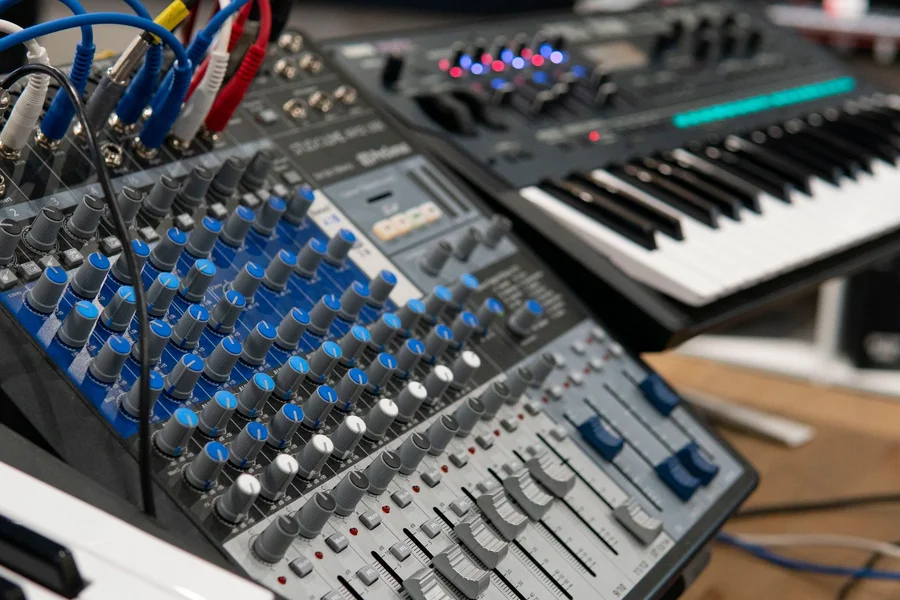
New producers sometimes plug a 5-pin adapter into their keyboard and wonder why no sound comes through their studio monitors. A midi to usb lead never carries actual analog or digital audio waveforms. Instead, it transmits performance instructions, such as which key was pressed, how hard the player struck the note, and whether a foot controller moved.
To capture the built-in acoustic piano or analog synth patches generated inside your keyboard’s sound engine, you still need quarter-inch instrument cables connected to an audio interface. Conversely, if you use your keyboard to trigger software synths in Ableton Live, Logic Pro, or FL Studio, much like studio producers layer lush analog textures inspired by Tame Impala’s Currents album production, the USB data connection is all you need.
How to Connect Your MIDI to USB Lead Properly
Even experienced musicians occasionally mix up the twin 5-pin plugs dangling from an inline interface cable. Almost every 1-in/1-out adapter splits into two separate DIN connectors labeled IN and OUT, and wiring them backward is the number one cause of silent studio setups.
- Inspect the connector labels: Check whether the molded arrows on the 5-pin plugs indicate signal flow direction or port matching. On cables like the Roland UM-ONE mk2, the plugs are stamped “CONNECT TO MIDI OUT” and “CONNECT TO MIDI IN” to remove guesswork.
- Wire cable IN to instrument OUT: Signal flows out of your keyboard’s processor and into the cable. Always plug the lead’s MIDI IN connector into the 5-pin MIDI OUT jack on your keyboard or drum module.
- Wire cable OUT to instrument IN: If you want your computer software to play notes back through your hardware synthesizer’s internal tone generator, plug the lead’s MIDI OUT connector into the instrument’s MIDI IN port.
- Connect the USB plug to your computer: Insert the USB end into a host port on your laptop, then open your recording software’s preferences to enable the new input and output ports.
Once connected, test your expression controllers and foot switches to verify continuous controller messages pass cleanly. Players who incorporate ambient hold pedals, similar to the latching and momentary switches covered in our sustain pedal guitar rig guide, should press their damper pedal and confirm that CC64 values register on the software’s input meter.
Best MIDI to USB Lead Models Compared
Spending an extra fifteen dollars on a name-brand interface cable saves hours of troubleshooting stuck notes and corrupted firmware updates. Generic five-dollar cables often skip the opto-coupler chip entirely, causing data bottlenecks whenever you move a modulation wheel while playing chords.
| Model Name | Connector Type | Key Advantage | SysEx & Clock Reliability | Price Range |
|---|---|---|---|---|
| CME U2MIDI Pro | USB-A (1-In / 1-Out) | Built-in routing, filtering, and mapping via free UxMIDI Tool software | 32-bit processor handles dense SysEx dumps cleanly | $20 – $25 |
| iConnectivity mio | USB-A (1-In / 1-Out) | Low timing jitter and durable molded cabling | Passes full SysEx, MTC, and clock without buffer drops | $35 – $40 |
| Roland UM-ONE mk2 | USB-A with comp/tab switch | FPT processing for low latency and clear LED indicators | Benchmark for synth firmware updates and patch librarians | $40 – $45 |
| M-Audio USB Uno | USB-A (1-In / 1-Out) | Self-contained cables with bright activity LEDs | Reliable for standard note entry and basic automation | $35 – $40 |
Why Cheap Generic Cables Fail on SysEx Dumps
If you own hardware synthesizers from Yamaha, Korg, Sequential, or Behringer, you will eventually use a computer patch librarian or run a firmware update over 5-pin DIN. These transfers rely on System Exclusive (SysEx) messages, which stream thousands of continuous hexadecimal bytes rather than short three-byte note triggers.
Budget no-name cables contain tiny internal memory buffers that overflow within milliseconds during a SysEx transfer, resulting in scrambled patch names or failed system updates. Investing in a verified midi to usb lead from CME, Roland, or iConnectivity guarantees proper internal buffering and true opto-isolated circuitry, as recommended in Sweetwater’s MIDI connection guide.
Troubleshooting Common MIDI to USB Lead Issues
Even with quality cabling, studio configurations occasionally refuse to communicate on the first try. Running through a quick checklist resolves almost every connection hiccup in under five minutes.
- Swap the 5-pin DIN plugs: When a computer sees the USB interface in Device Manager or Audio MIDI Setup but receives zero note input, the two 5-pin plugs are usually reversed at the instrument end.
- Enable MIDI Out in your keyboard’s menu: Several modern digital pianos default to sending data only over their built-in USB-B port until you toggle “MIDI Out: DIN” in the system settings.
- Turn Local Control Off when recording: If you hear doubled notes while routing software sequences back to your hardware keyboard, set your synth’s Local Control parameter to Off.
Frequently Asked Questions
Does a MIDI to USB lead transmit audio from my keyboard?
No, a MIDI to USB lead only carries digital performance data such as note pitch, key velocity, and sustain pedal activity. To record the actual sound produced by your keyboard’s tone generator, connect its audio output jacks to an audio interface.
Which way do the IN and OUT plugs go on a MIDI to USB lead?
Unless the manufacturer labels the plugs “Connect to MIDI Out,” cross the connections so signal flows from transmitter to receiver. Plug the cable’s 5-pin IN connector into your instrument’s MIDI OUT port, and the cable’s OUT connector into the instrument’s MIDI IN port.
Do I need special drivers for a MIDI to USB lead on Windows 11 or macOS?
Modern class-compliant leads like the CME U2MIDI Pro and iConnectivity mio require zero third-party drivers on Windows 11, macOS, iOS, and Android. The operating system loads its native USB-MIDI class driver automatically.
Why do notes get stuck when I use a cheap USB MIDI cable?
Bargain unbranded cables omit the opto-coupler isolation chip and use tiny serial buffers that drop “Note Off” messages during fast chords. Replacing the cord with a buffered interface from Roland, CME, or M-Audio stops stuck notes right away.
Can I connect a 5-pin MIDI keyboard to an iPad or iPhone?
Yes, any class-compliant MIDI to USB lead works with iPads and iPhones using an Apple Camera Adapter or a simple USB-A to USB-C adapter.
What is the difference between a USB-B printer cable and a 5-pin MIDI to USB lead?
Newer keyboards include a square USB-B port because the converter chip is built inside the keyboard. Older synthesizers and stage pianos only have round 5-pin DIN ports, requiring an active MIDI to USB lead with an inline converter.

Written by Rosella
Rosella is a self-taught digital creator with a passion for breaking down tech, lifestyle, and everyday topics into simple, easy-to-understand content. Based in Youngstown, Ohio, she brings a curious, multi-disciplinary approach to writing, covering everything from the latest tech trends to practical life hacks and personal growth insights.
Her goal is straightforward: take complicated ideas and explain them in a way that actually makes sense, so every reader, whether a total beginner or someone more experienced, walks away having learned something useful. When she’s not writing, you’ll usually find her exploring new tools, sharpening her skills, or spending time with family.
Through this blog, Rosella aims to build a community centered on real, actionable insights rather than fluff, jargon, or filler content.

0